
I build software that turns pictures into full-colour 3D prints.

In 2026 I started CMYKForge, a desktop app that takes any image and turns it into a multi-material model your printer can actually print. It mixes a full range of colour from just a handful of filaments, the same way a printing press mixes cyan, magenta, yellow and black.

Since then it has grown into a family of projects: a Pro edition with an AI assistant that runs on your own computer, a research project into prints that change colour as you tilt them, and the websites for both.

Away from the computer, I play baritone sax in marching band.

Grayson in marching band uniform, smiling and holding a baritone saxophone
1,403commits across my projects
112pull requests
1,900+automated tests
3platforms: macOS, Windows, Linux

Things I've built

CMYKForge logo

CMYKForge

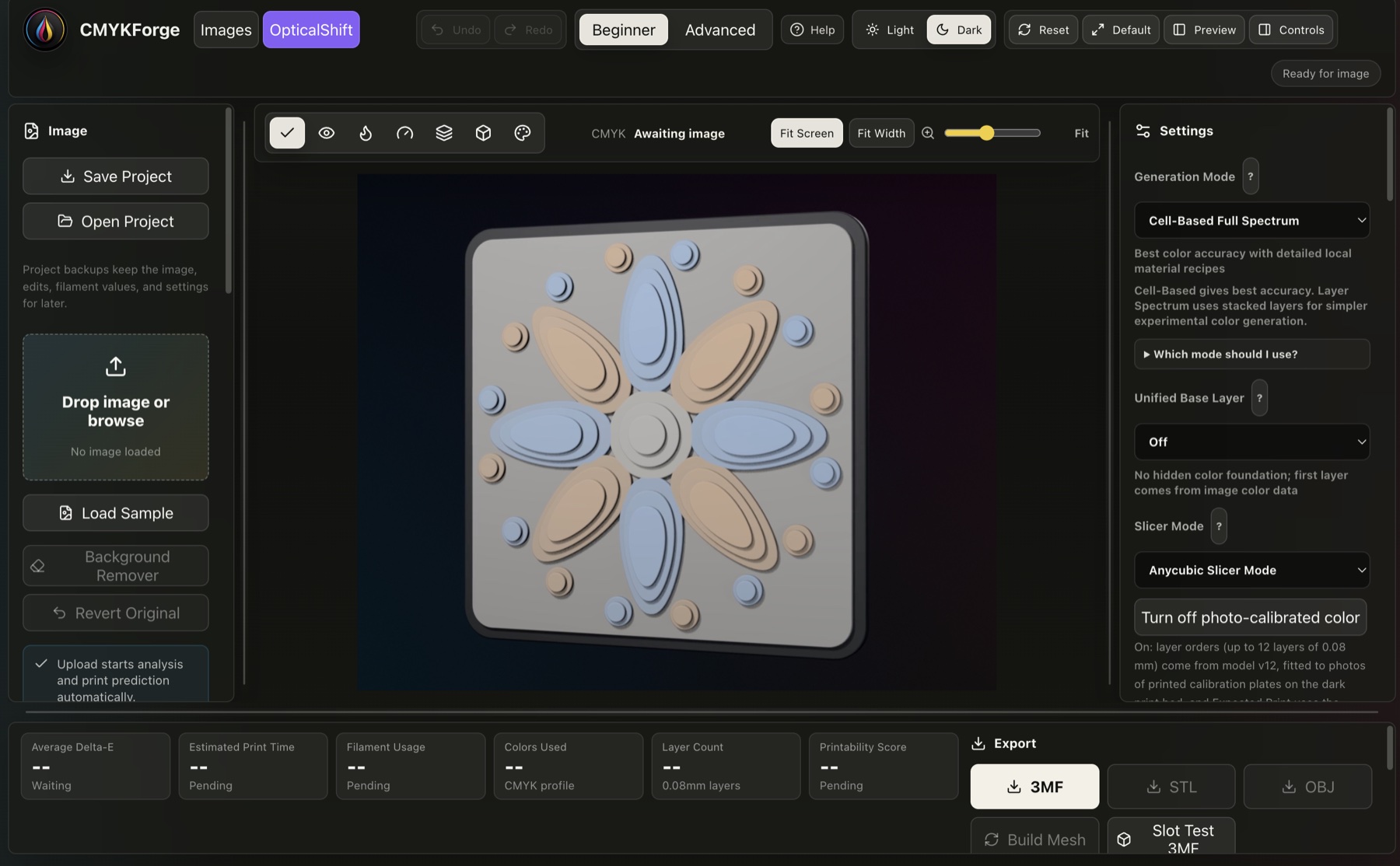
Start with a picture and finish with a print. CMYKForge separates the image into colours, builds a multi-material model, and exports a single connected 3MF file that opens in the slicer you already use.

  • A printable spectrum from five filaments
  • Photos, paintings, lithophanes and colour reliefs
  • Works on single-extruder printers, not just multi-tool rigs
  • Type a filament's hex colour and translucency and get a plan straight away, with no test prints
CMY-AI

CMYKForge Pro

The same colour engine, plus CMY-AI: an assistant built into the app that runs entirely on your own machine.

The CMYKForge app, with the OpticalShift mode tab, showing a relief model in the 3D preview

OpticalShift

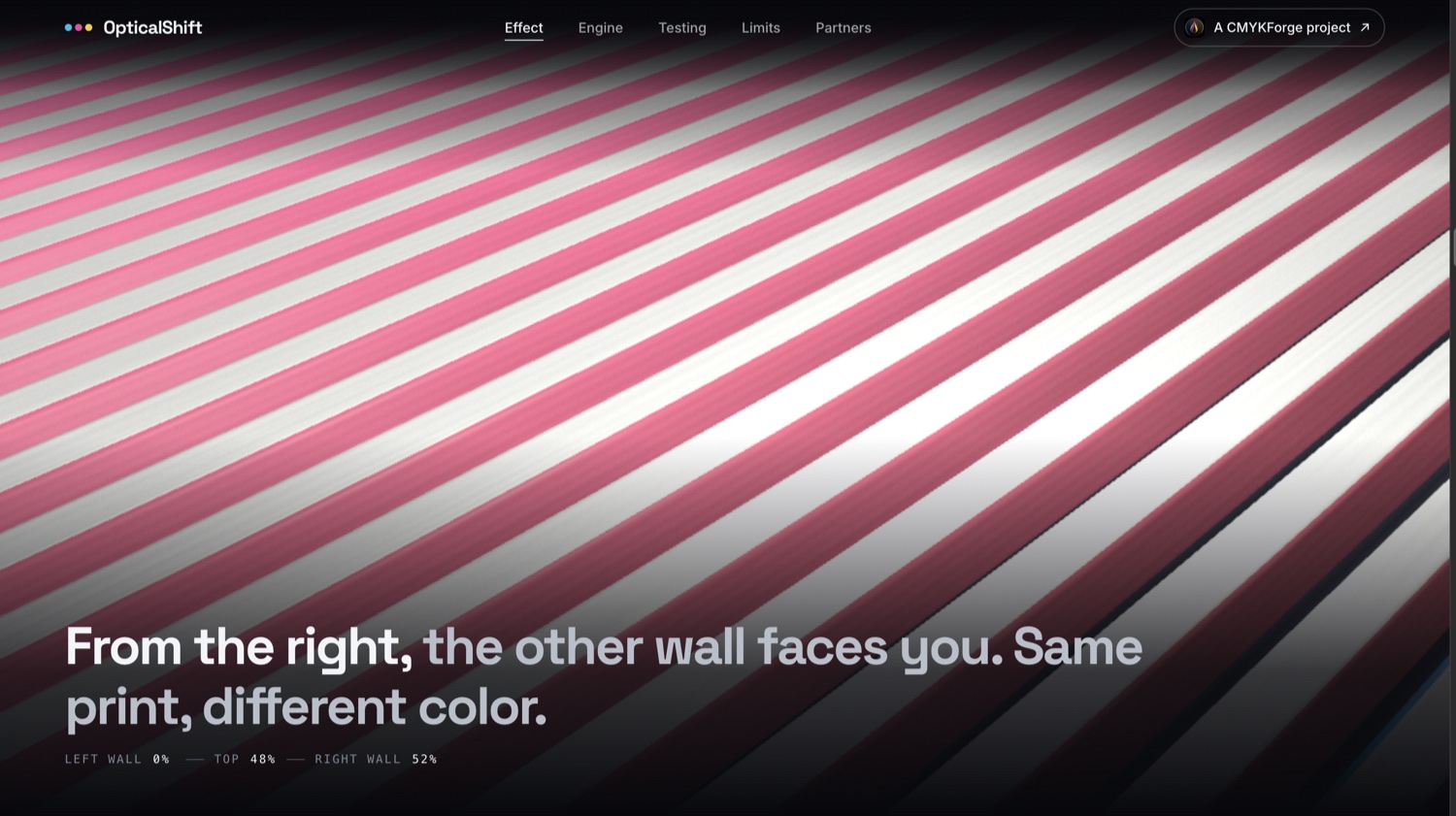
Can a print show one colour head-on and a different one when you tilt it? I designed ribbed test plates to find out. The third one showed a real, visible shift, and the research continues.

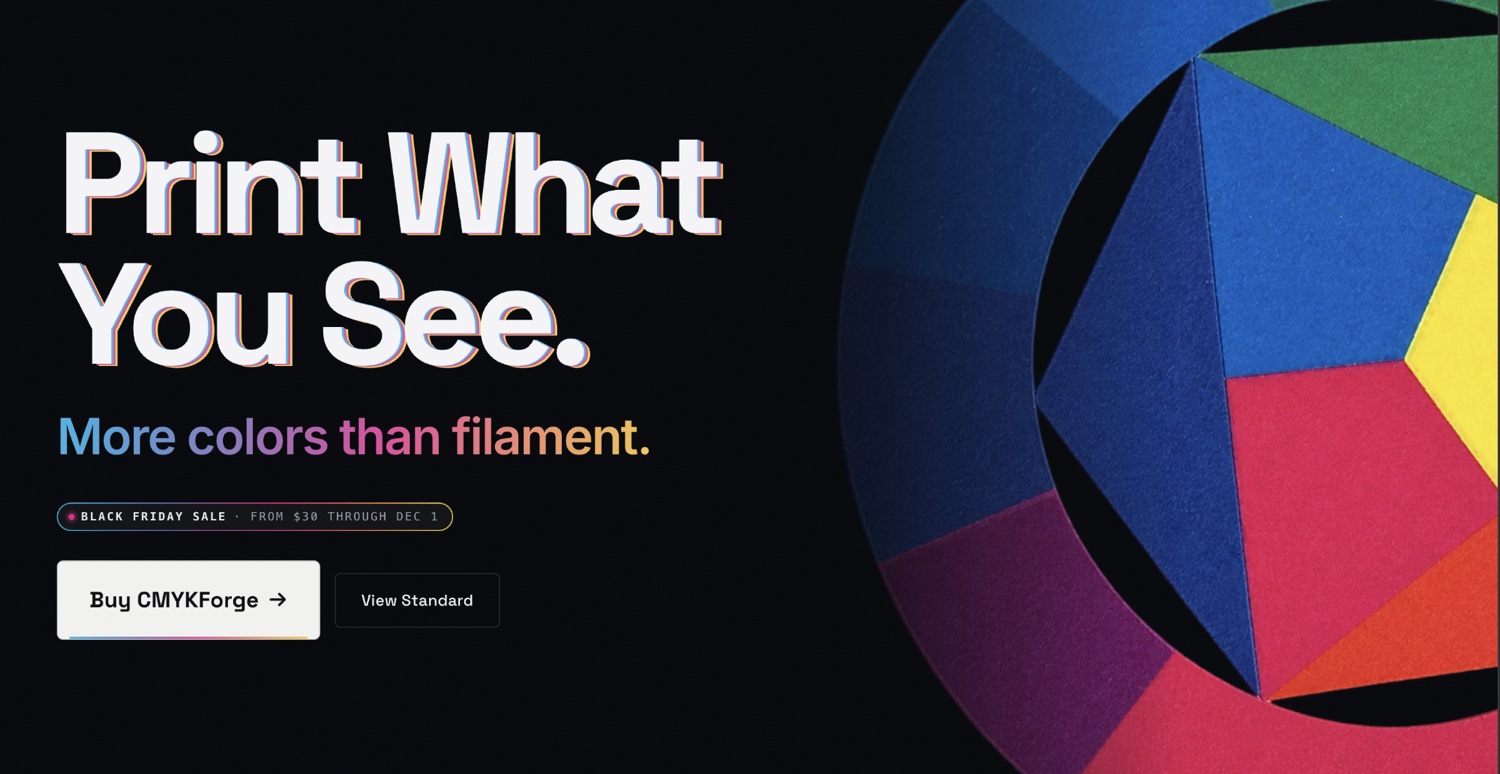
The OpticalShift websiteThe CMYKForge website homepage: Print what you see

The websites

I designed and built the sites for CMYKForge and OpticalShift. The idea behind the CMYKForge site: built like a press room, not a photo editor.

Introducing CMYKForge 0.6 release graphic

The beta programme

Real people print with CMYKForge before each release. I run a tester programme that has shipped seven pre-release builds so far, and their feedback shapes each release.

How it's gone

  1. First commit

    The CMYKForge repository goes live and the colour engine starts taking shape.

  2. The CMYKForge website

    Designed and built the product site from scratch.

  3. First installable builds

    Version 0.1.9 ships as real desktop packages people can download and run.

  4. Kickstarter campaign closes

    The CMYKForge Kickstarter wraps up. Backers still get an update with every release.

  5. Beta testers and Pro

    Opened a tester programme and started CMYKForge Pro with the on-device CMY-AI assistant.

  6. OpticalShift and version 0.6.5

    Colour-shifting prints become their own research project with their own website, and CMYKForge reaches 0.6.5.

How I work

Ship it

Something people can use today beats something perfect next year. Defaults should just work, with no setup ritual.

Prove it on plastic

A colour isn't right until it's right on a real print. I measure filaments on physical plates and ship the results as better defaults.

Build with agents

I work alongside a crew of AI coding agents and review bots, and I check every claim they make before it ships.

Say
hello.

Want to try CMYKForge, join the beta, or talk about a project? Send me a note. I read everything.